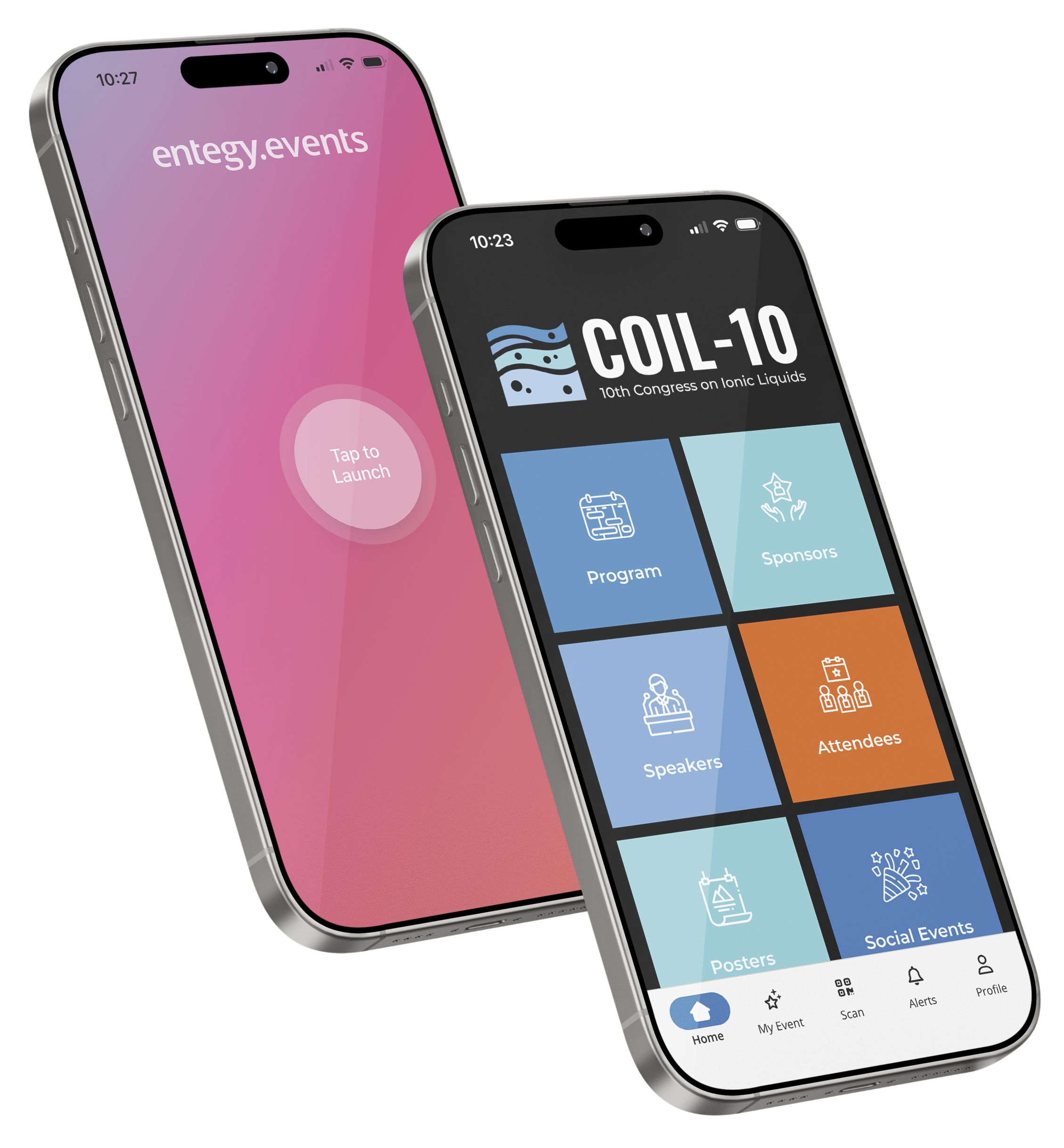
Event App
Access the
COIL-10 Event App
Welcome to the COIL-10 Event App – your gateway to the full conference experience.
Create your own program, connect with other delegates and receive live updates throughout the conference.
Step 1
Download and install the Entegy Events App onto your smart phone or tablet.
Entegy Events
Search for ‘Entegy Events’ in your app store, or click on the relevant link below from your phone or tablet.


Step 2
Open the App and enter the Event Code:
COIL10
When the code is entered, the app will automatically populate on your device.
Step 3
To access all App features, you must login using the username and password, which have been emailed to you. Login via ‘Profile’.
Logging in allows you to:
- Personalise your conference program
- Connect with speakers and delegates
- Access secure content within the App
Once logged in, please update your personal details (Profile >> Account Details), and decide what information you would like to be visible to other delegates (Profile >> Privacy Settings).
To create your personal program, click the bookmark icon for presentations you would like to attend from within the ‘Program’ – these will appear in ‘My Event’.
We recommend activating Alerts so you can be kept up to date with any last minute program changes (Profile >> Privacy Settings). If there are changes, refresh the App in Profile >> Updates.
If you require any assistance downloading the App or logging in, please contact the team at info@coil10.com.